

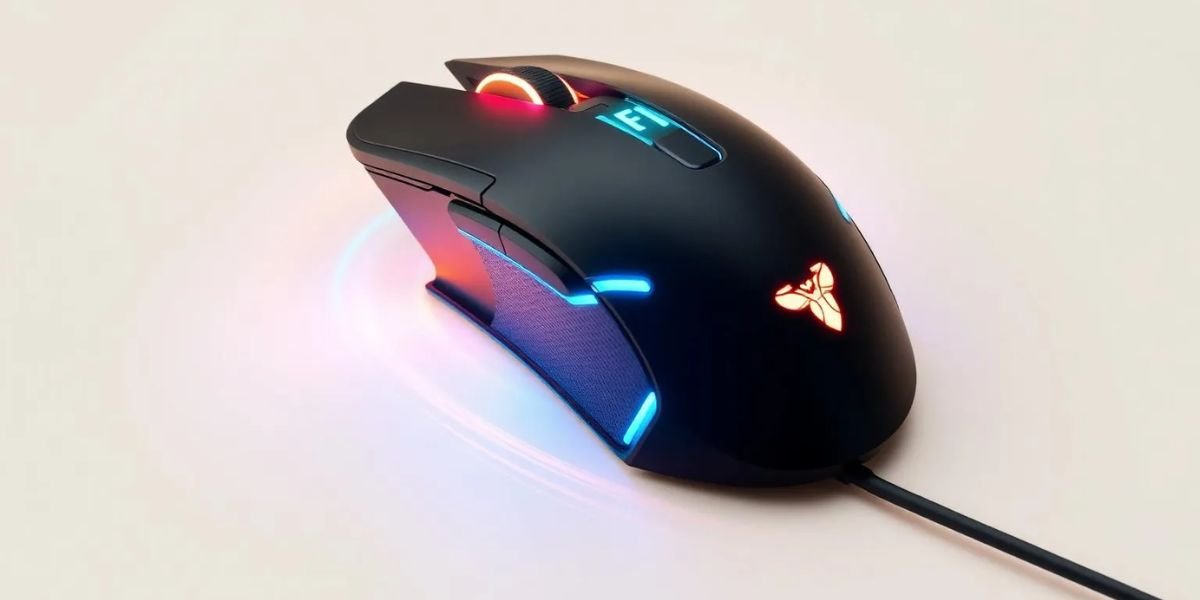
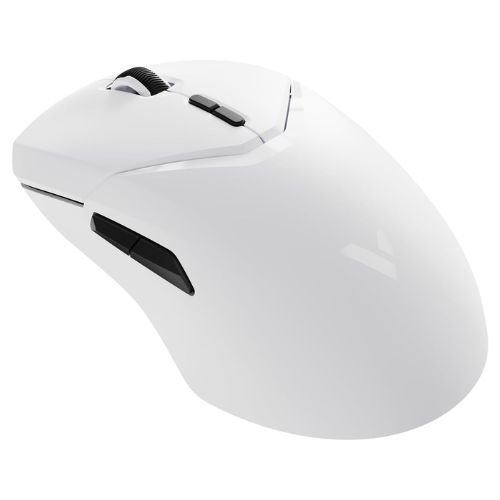
- Customize your mouse with ease
- Improve precision and daily productivity
- Easy setup with advanced controls
- Free software with useful features
A computer mouse may seem like a simple accessory, but the right software can significantly improve its performance and functionality. Many modern mice include additional features such as programmable buttons, adjustable sensitivity, and customized lighting effects. To unlock these capabilities, users often need dedicated software or drivers.
One company that offers driver software for its products is Rapoo. Known for its affordable keyboards, mice, and wireless accessories, Rapoo has become a popular brand among office users, students, and gamers.
The Rapoo Mouse Driver is designed to help users customize their mouse settings and improve compatibility with different operating systems. It promises better control, smoother performance, and access to advanced features that may not be available through standard Windows settings.
But is installing the Rapoo Mouse Driver actually worth it? Does it improve the user experience, or can most people simply use the mouse without additional software?
This detailed Rapoo Mouse Driver Review answers those questions by exploring the features, benefits, drawbacks, and real-world usefulness of the Rapoo Mouse Driver.
What Is the Rapoo Mouse Driver?
The Rapoo Mouse Driver is software created to support Rapoo computer mice and unlock additional functionality.
Depending on the mouse model, the driver can provide access to:
- DPI customization
- Button programming
- Macro settings
- Performance adjustments
- Firmware updates
- Profile management
The software is available for various Rapoo mouse models and typically supports Windows operating systems.
Quick Overview of the Rapoo Mouse Driver
| Feature | Details |
|---|---|
| Software Name | Rapoo Mouse Driver |
| Developer | Rapoo |
| Category | Mouse Utility Software |
| Primary Function | Mouse Customization |
| Platform | Windows |
| Driver Updates | Available |
| Custom Profiles | Supported on Select Models |
| Cost | Free |
Why Do Mouse Drivers Matter?
Many users wonder whether they actually need a mouse driver.
Basic mouse functions usually work immediately after connecting the device.
However, dedicated drivers can provide:
✔ Better customization
✔ Additional features
✔ Improved performance
✔ Button programming
✔ DPI adjustments
✔ Gaming enhancements
For certain users, these features can make a noticeable difference.
Key Features of the Rapoo Mouse Driver
The driver software offers several useful capabilities.
Adjustable DPI Settings
Users can customize cursor sensitivity based on personal preferences.
This feature is useful for:
- Gaming
- Graphic design
- Office work
- Multi-monitor setups
Button Customization
Many Rapoo mice include programmable buttons.
The driver allows users to assign functions such as:
- Copy and paste
- Browser navigation
- Media controls
- Application shortcuts
Macro Support
Some gaming models support macros.
Benefits include:
- Faster repetitive actions
- Gaming commands
- Productivity shortcuts
Profile Management
Certain models allow users to save multiple configurations.
This is useful for:
- Work profiles
- Gaming profiles
- Creative software settings
Supported Rapoo Mouse Models
Driver compatibility depends on the specific mouse.
Popular supported models often include:
- Rapoo VT Series
- Rapoo MT Series
- Rapoo M Series
- Rapoo Gaming Mice
Always verify compatibility before installation.
Installation Process
Installing the Rapoo Mouse Driver is usually straightforward.
Typical Installation Steps
- Download the driver.
- Run the installer.
- Follow setup instructions.
- Restart the computer if required.
- Connect the mouse.
Most users complete the process within a few minutes.
User Interface and Design
Software design matters because users interact with it frequently.
The Rapoo Mouse Driver generally offers:
- Clean layout
- Easy navigation
- Simple settings menus
- Clear customization options
The interface is suitable even for beginners.
Performance and Stability
Driver software should improve performance rather than create problems.
Most users report:
- Stable operation
- Smooth customization
- Reliable settings storage
- Good compatibility
However, performance can vary depending on hardware and operating system versions.
How the Rapoo Mouse Driver Improves Your Experience

A computer mouse is one of the most frequently used peripherals, and even small improvements can make daily tasks more comfortable and efficient. The Rapoo Mouse Driver adds useful customization options and advanced controls that help users get more from their devices. Whether you use your computer for work, gaming, or creative projects, these features can significantly improve your overall experience.
Better Cursor Control
Different activities require different cursor speeds and sensitivity levels. The Rapoo Mouse Driver allows users to adjust DPI settings according to their preferences, making it easier to achieve precise control. Whether you are editing photos, working with spreadsheets, or playing games, customized sensitivity can improve both comfort and accuracy.
Personalized Buttons
Many Rapoo mice include extra buttons that can be programmed to perform specific actions. Users can assign shortcuts such as copy, paste, browser navigation, or launching applications. These personalized controls save time, reduce repetitive actions, and make everyday computer tasks more efficient.
Improved Gaming Experience
Gamers often need quick reactions and precise movements to perform well. The Rapoo Mouse Driver allows players to create customized sensitivity settings and assign commands to additional buttons. These features can improve responsiveness and provide a more personalized gaming experience for different types of games.
Easier Workflow
Creating profiles and assigning shortcuts can greatly improve productivity. Users can switch between different settings for work, gaming, or creative projects with minimal effort. These small conveniences help streamline everyday tasks and reduce unnecessary interruptions during busy work sessions.
Enhanced Device Management
The software provides greater control over how the mouse behaves and performs. Users can adjust settings, save preferences, and customize features according to their specific needs. This level of control helps transform a standard computer mouse into a more versatile and efficient productivity tool.
Real-Life Example
Imagine using a standard mouse without driver software.
You can:
- Click
- Scroll
- Move the cursor
After installing the Rapoo Mouse Driver:
- Customize DPI settings.
- Assign shortcuts.
- Create gaming profiles.
- Improve productivity.
The experience becomes far more personalized.
DPI Customization
DPI stands for dots per inch and controls cursor sensitivity.
Lower DPI
Best for:
- Graphic design
- Precision editing
Higher DPI
Ideal for:
- Large monitors
- Fast gaming
- Multi-screen setups
This flexibility is one of the software’s strongest features.
Button Programming Features
Programmable buttons can improve efficiency.
Useful Assignments
✔ Copy
✔ Paste
✔ Browser Back
✔ Browser Forward
✔ Media Controls
✔ Launch Applications
Many users find these shortcuts surprisingly useful.
Gaming Benefits
Gamers often benefit the most from dedicated mouse software.
Advantages Include
- Faster reactions
- Adjustable sensitivity
- Macro creation
- Personalized profiles
Competitive players appreciate these additional controls.
Productivity Benefits
Office users can also benefit.
Examples
- Faster navigation
- Easier multitasking
- Reduced repetitive clicking
- Better workflow
Small changes can improve daily productivity.
Compatibility and System Requirements
Most driver versions support:
- Windows 10
- Windows 11
- Select older Windows versions
Always check system requirements before downloading.
Ease of Use
Many users prefer software that works without complexity.
Positive Aspects
✔ Simple installation
✔ Easy navigation
✔ Beginner friendly
✔ Quick adjustments
The software generally succeeds in this area.
Security Considerations
Drivers should always be downloaded from official sources.
Safety Tips
- Download from the official website.
- Avoid third-party websites.
- Install updates when available.
This reduces security risks and compatibility problems.
Rapoo Mouse Driver Pros and Cons
| Pros | Cons |
|---|---|
| Free software | Some models have limited support |
| Easy installation | Features vary by device |
| DPI customization | Limited advanced options |
| Button programming | Primarily Windows focused |
| Improved productivity | Occasional update delays |
Who Should Install the Rapoo Mouse Driver?
The Rapoo Mouse Driver is particularly useful for people who want more customization and control than the default operating system settings can provide. While a Rapoo mouse will generally work without additional software, installing the driver unlocks several features that can improve comfort, productivity, and overall performance for different types of users.
Gamers
Gaming often requires fast reactions and precise cursor movements. The Rapoo Mouse Driver allows gamers to adjust DPI settings, create custom profiles, and assign commands to programmable buttons. These features provide greater control during gameplay and can help create a more personalized and responsive gaming experience.
Office Professionals
People who spend many hours working on a computer can benefit greatly from customized shortcuts and programmable buttons. The Rapoo Mouse Driver allows users to assign frequently used functions to specific buttons, helping reduce repetitive actions and improving efficiency during everyday office tasks.
Graphic Designers
Designers and creative professionals often need highly accurate cursor control for editing images, creating illustrations, and working with detailed projects. Adjustable sensitivity settings make it easier to perform precise movements and switch between different tasks without constantly changing system settings.
Students
Students frequently use their computers for research, note-taking, and online learning activities. Programmable buttons and personalized settings can make navigation easier and help improve productivity. Small conveniences such as shortcuts can save time during long study sessions and academic projects.
Multi-Monitor Users
People who work with two or more displays often need faster and more comfortable cursor movement. The Rapoo Mouse Driver allows users to adjust sensitivity levels according to their workspace setup, making it easier to move between screens and improving the overall user experience.
Who Might Skip the Driver?

The software may not be necessary for:
- Casual users
- Basic office tasks
- Users satisfied with default settings
Some people may never need advanced customization.
Customer Reviews and Feedback
Most users report positive experiences.
Common Compliments
✔ Easy installation
✔ Helpful customization
✔ Better mouse control
✔ Simple interface
✔ Free software
Common Complaints
- Limited support for older models
- Fewer advanced gaming features
- Occasional compatibility issues
Overall satisfaction remains favorable.
Performance for Different Users
Different users rely on their computer mice in different ways, and the Rapoo Mouse Driver offers benefits across a variety of situations. Whether you need better precision for gaming or faster shortcuts for work, the software provides useful customization options that can improve everyday computer use and create a more personalized experience.
For Gamers
Gamers often require quick reactions and accurate cursor movements to perform at their best. The Rapoo Mouse Driver allows users to adjust DPI settings, create custom profiles, and assign commands to programmable buttons. These features can improve control, responsiveness, and overall gaming performance across different game genres.
For Office Workers
Office professionals spend many hours using their computers for documents, emails, and presentations. Programmable shortcuts and customized buttons can simplify repetitive tasks and improve efficiency. The ability to personalize mouse settings helps users work more comfortably and manage daily responsibilities more effectively.
For Students
Students frequently switch between research, online classes, and note-taking applications. The Rapoo Mouse Driver provides simple customization options that make navigation easier and improve productivity. Features such as programmable buttons and personalized sensitivity settings can save time during study sessions and academic projects.
For Designers
Creative professionals often require precise cursor movements when editing photos, creating graphics, or working on detailed illustrations. Adjustable sensitivity settings provide greater accuracy and make it easier to complete demanding design tasks while maintaining comfort and efficiency throughout long work sessions.
For Casual Users
Even people who use their computers for basic activities such as web browsing and media consumption can benefit from additional customization. Adjusting cursor speed and assigning simple shortcuts can make everyday computer use more comfortable and enjoyable without requiring advanced technical knowledge.
Tips for Getting the Best Results With the Rapoo Mouse Driver
Installing the software is only the first step toward improving your mouse experience. Taking time to configure the available features properly can significantly improve comfort and productivity. A few simple adjustments and regular maintenance practices can help you get the maximum benefit from the Rapoo Mouse Driver.
Adjust DPI Carefully
Cursor sensitivity preferences vary from person to person and depend on screen size and work habits. Experimenting with different DPI settings allows you to find the ideal balance between speed and precision for gaming, office tasks, and creative work.
Create Multiple Profiles
Different activities often require different mouse settings. Creating separate profiles for gaming, work, and everyday browsing makes it easy to switch between configurations without repeatedly adjusting individual settings. This feature improves convenience and saves time during daily computer use.
Program Frequently Used Shortcuts
Customizing buttons with your most frequently used commands can significantly improve productivity. Assigning shortcuts such as copy, paste, browser navigation, or media controls reduces repetitive actions and makes everyday tasks faster and more efficient.
Keep the Software Updated
Software updates often include performance improvements, bug fixes, and better compatibility with operating systems. Checking for updates regularly helps ensure that the Rapoo Mouse Driver continues to perform smoothly and provides access to the latest features and enhancements.
Backup Important Settings
If your software needs to be reinstalled or your computer is replaced, saved profiles and settings can be lost. Backing up important configurations helps preserve your personalized setup and allows you to restore your preferred mouse settings quickly and easily.
Rapoo Mouse Driver Setup Checklist
✔ Install the latest version.
✔ Verify mouse compatibility.
✔ Adjust DPI settings.
✔ Customize buttons.
✔ Create profiles.
✔ Check for updates regularly.
Rapoo Mouse Driver vs Standard Windows Settings
| Feature | Windows Default | Rapoo Driver |
|---|---|---|
| DPI Adjustment | Limited | Advanced |
| Button Programming | No | Yes |
| Profiles | No | Yes |
| Macro Support | No | Available |
| Customization | Basic | Extensive |
The additional features can greatly improve the overall experience.
Is the Rapoo Mouse Driver Worth Installing?
For many users, the answer is yes.
The software offers:
- Better customization
- Improved productivity
- Enhanced gaming features
- Personalized settings
- Greater control
The installation process is simple, and the software is free.
Must Read:
- WOWOW Review: Can These Products Upgrade Your Home?
- SENIX Lawn Mower Review: Can It Make Yard Work Easier?
- VIOMI Review: Can These Smart Devices Simplify Your Life?
Final Verdict:
Yes, especially if you want to unlock the full capabilities of your Rapoo mouse.
While the mouse will generally function without dedicated software, the Rapoo Mouse Driver provides useful features that improve convenience, customization, and productivity. Gamers, professionals, and power users are likely to benefit the most.
The software is easy to install, simple to use, and adds meaningful functionality without requiring any additional cost.
If you own a compatible Rapoo mouse and want more control over its settings, installing the Rapoo Mouse Driver is definitely worth considering.
- Customize your mouse with ease
- Improve precision and daily productivity
- Easy setup with advanced controls
- Free software with useful features